
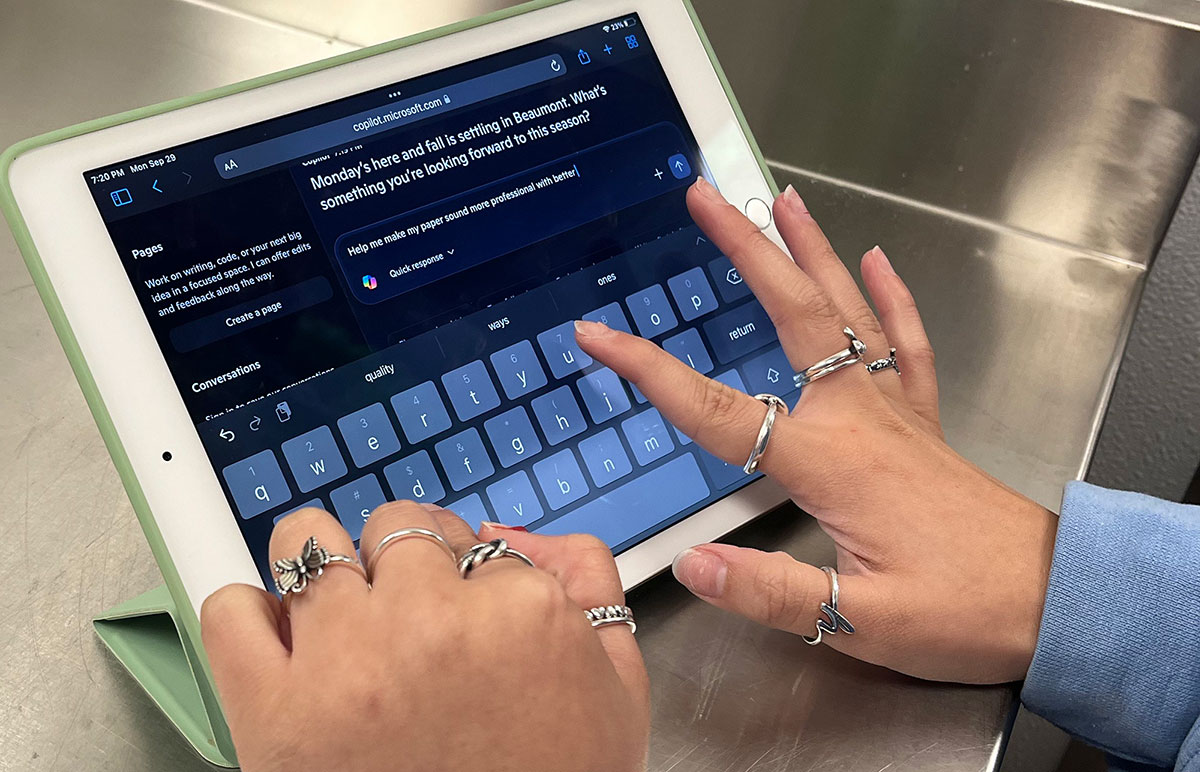
AI is an increasing presence in everyday life, from simple editing to complex research assignments.
Lamar University recommends Microsoft Copilot as the preferred tool for students and faculty.
Copilot offers several tiers of AI services, Srinivas Varadaraj, AVP enterprise services and IT division, said.
“The difference between the search engine edition and the edition for organizations is that there is a difference in the security and privacy terms,” Varadaraj said. “The one which requires a sign-in has a little shield after you sign in with your Lamar account. What it does is that, under the terms, they say we won’t expose (data) to anybody. This is your stuff.”
Effectively, whatever is put into Copilot stays within that software, so users’ privacy is protected.
Other AI systems, such as ChatGPT, are learning from and sharing information in other searches, Ashley Dockens, associate provost of academic innovation & digital learning, said.
“(Copilot) is something you can take a little more comfort in knowing that whatever you’re putting in isn’t going to show up on somebody else’s searches,” she said.
Copilot can do what other AI systems do, such as solving problems or creating outlines, Dockens said.
“It could help you help draft content for a PowerPoint, organize your study notes into a song so you can put it to music,” she said. “Anything you could dream of creating that could be text, image, code — it could do those things.”
The drawback of AI is that it can produce inaccuracies because it’s trained to show the most likely results. Lamar’s website states that users should “Acknowledge the limitations of AI. Approach critically, acknowledging potential inaccuracies, misleading information, or entirely fabricated content. Maintain skepticism and verify the validity of AI-generated output.”
Copilot will generate content, but will also provide a list of sources when requested, showing where the information comes from, Varadaraj said.
“Not all AIs give you where they pulled information from,” Dockens said. “Microsoft Copilot does, so if you want to go see, ‘Is this a real thing?’ You can go to that link and investigate that further, just like you would do with a research source in class.”
Dockens said students should confirm secondary sources to ensure they receive the correct information.
Users should always check the references, Varadaraj said.
“It will sometimes take opinions as a source and incorrectly generate that one important thing when you get the result,” he said. “Follow the links to see where it’s actually coming from.”
Effective prompt writing is the best way to instruct AI for good results, Dockens said.
“There’s a lot of different frameworks you’re going to find out there,” she said. “Most of them that are really, really solid, are going to tell you to give AI a role.”
Some people don’t like to provide feedback to the AI, Dockens said.
“What I’ll do sometimes, if it goes off the rails in a direction I didn’t expect, I’ll say ‘No, that’s not exactly what I meant. I really am hoping for...’ and try to re-explain myself,” she said. “What you’ll see is it’ll go, ‘Oh, now I have clarity. I’ll do this instead,’ and oftentimes you will get a much better result.”
Students are encouraged to look at specific class policies since different faculty and fields have different opinions, Dockens said.
AI is a learning tool and not a substitution for one’s own knowledge and skill, Varadaraj said.
“You can learn it, use Copilot, or any other type of tool to learn all the way,” he said. “But don’t let that be a substitute for your own skill and your own results.”
For questions, reach out to the Center for Innovation in Teaching and Learning at citl@lamar.edu.